5 Jobs Every Small Firm Should Automate This Week
TL;DR
- Start with the jobs that happen daily, follow the same steps and cost you when missed.
- Enquiry replies, review requests, reminders, invoice chasing and document collection are the usual top five.
- Check the tools you already pay for first. Booking and accounts software often has this built in, switched off.
- Keep a human on anything that needs judgement.
- Pick one this week. Small wins stack up.
The five jobs most small firms should automate first are enquiry follow-ups, review requests, appointment reminders, invoice chasing and collecting documents from clients. They come round every day, they follow the same steps every time, and when one gets missed it costs you a customer, a booking or cash. You can start on most of them this week, often with tools you already pay for.
Here's what each one costs you now, what "automated" actually looks like, and the cheapest place to start.
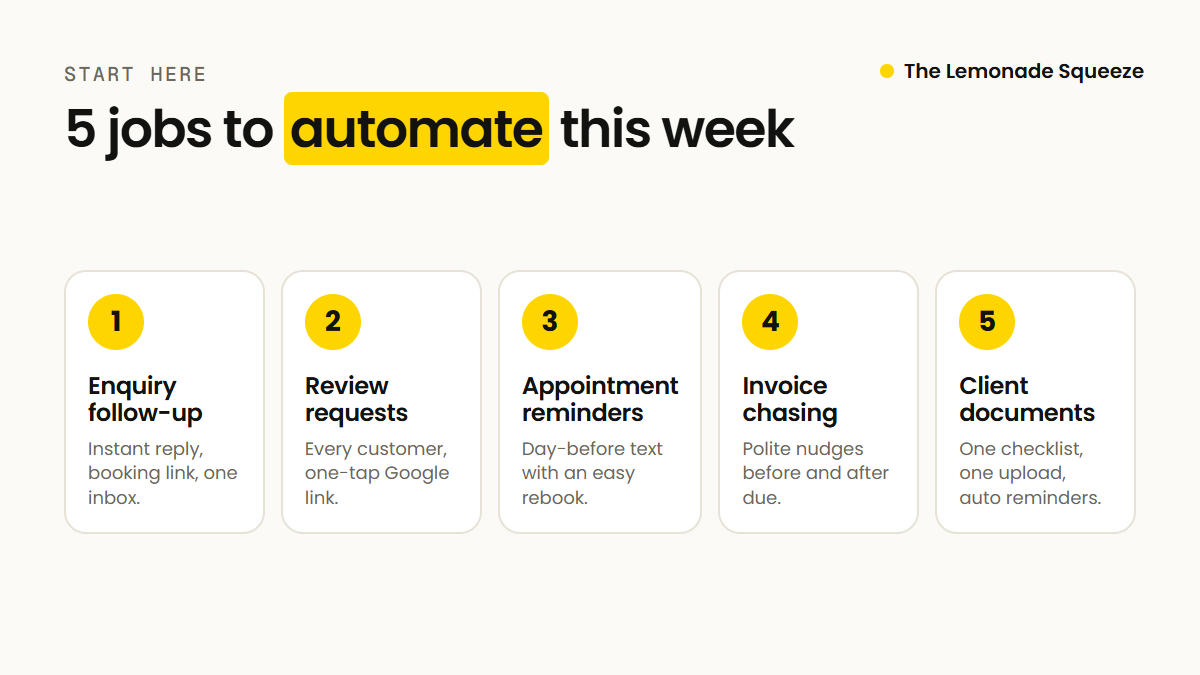
The Five Jobs
1. Following Up New Enquiries
Someone fills in your contact form at 8pm. You see it at 10am the next day, and by then they've emailed two other firms. The first business to reply often wins, and it isn't always the best one.
Automated looks like: an instant, friendly reply that confirms you've got their message, says when they'll hear from a person, and offers a booking link. The enquiry lands in one place your team checks, not five inboxes.
Start this week: most website form builders and email tools can send an automatic reply. Write it like a human, not a "do not reply" robot.
2. Asking for Reviews
Your customers are happy. They just don't leave reviews, because nobody asks at the right moment. Asking by hand works for a week, then it slips when things get busy.
Automated looks like: every customer gets a short, personal request with a one-tap link to your Google review page, soon after the job is done. Every customer, not just the ones you think are happy. Picking and choosing breaks Google's rules.
Start this week: grab your review link from your Google Business Profile and add it to your job-complete email or text. If you want the asking, reminders and replies done for you, that's what ReviewSync does.
3. Appointment Reminders
No-shows hurt twice: the empty slot and the time spent rearranging the diary. A quick reminder the day before is one of the cheapest fixes there is.
Automated looks like: a text or email the day before with the time, the address and an easy way to rebook rather than just not turning up.
Start this week: check your booking system's settings. Many already include reminders that nobody has switched on.
4. Chasing Unpaid Invoices
Nobody enjoys chasing money, so it gets put off. Polite, regular reminders get paid faster than one awkward phone call a month later.
Automated looks like: a friendly nudge a few days before the due date, another on the day, and a firmer one after. Each one goes out on time without you having to remember.
Start this week: accounting packages like Xero and QuickBooks have invoice reminders built in. Turn them on and rewrite the default wording so it sounds like you.
5. Collecting Documents from Clients
"Can you send over your ID, the signed form and last year's accounts?" Then comes the back and forth: the wrong file, a missing page, a 40MB attachment that bounces.
Automated looks like: one checklist request with a single place to upload, automatic reminders for anything still missing, and the files saved where they belong.
Start this week: write a standard checklist email you can send in one click. If the files are sensitive, avoid email attachments and use a secure sharing tool that shows you when files have been opened and downloaded, such as FileFi.
Why Small Jobs Add Up
None of these jobs takes long on its own, and that's why they never get fixed. Ten minutes a day doesn't feel like a problem. Over a year it is.
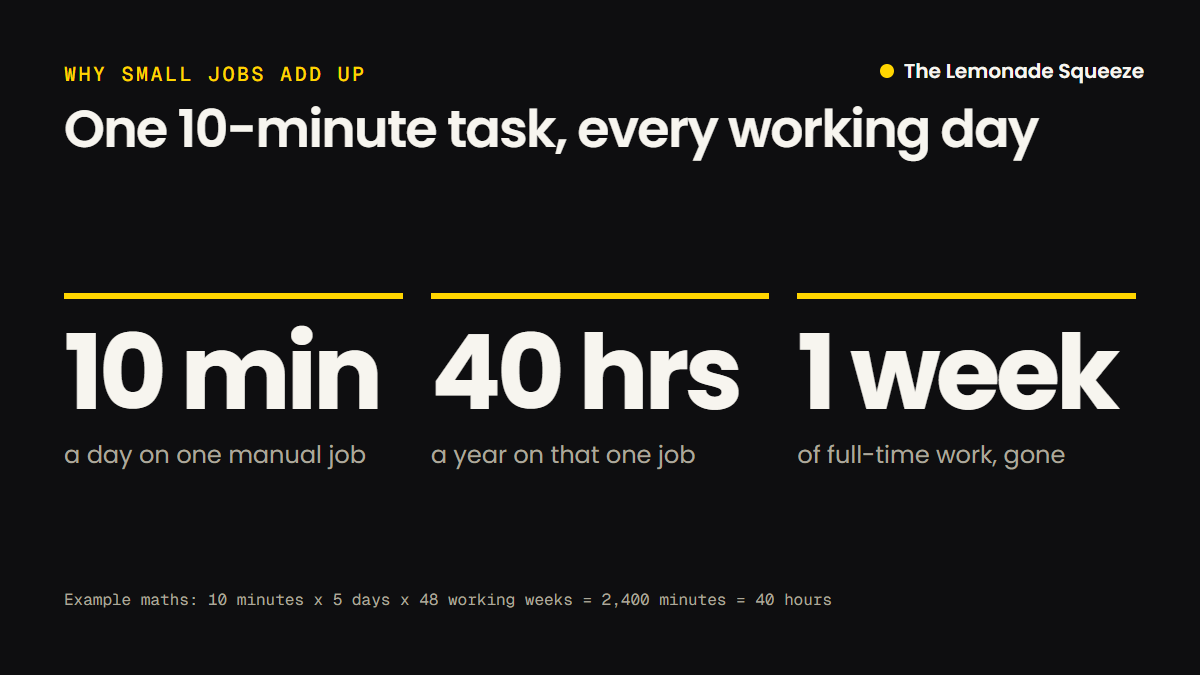
That's one job. Most firms are doing three or four of these by hand. The time matters, but the bigger cost is the enquiry that went cold, the review that never got left and the invoice paid six weeks late.
What Not to Automate (Yet)
Automation is great, when used sensibly. Some things are better left alone for now:
- Anything that needs judgement. Replying to a complaint, pricing a tricky job, or deciding whether to take on a client.
- Jobs you do a few times a year. If it happens quarterly, a checklist beats a workflow.
- A process that isn't settled. If you do it differently every time, sort the process first. Automating a messy process just gets you mess faster.
A good rule: if a job happens often, follows the same steps and hurts when it's missed, automate it. If it fails any one of those three, leave it.

Not sure which of these would save you the most time? That's the kind of question we like. 🍋